![ComplianceHR-Logo-400x100.png]](https://knowledge.compliancehr.com/hs-fs/hubfs/ComplianceHR-Logos/ComplianceHR-Logo-400x100.png?height=40&name=ComplianceHR-Logo-400x100.png)
When returning to the Evaluation, it may take a few minutes for your report to generate and become available. Once it does, at the top you'll now see a Download option for Risk
Report.
You can also scroll down to see the results within the Smart Content page.
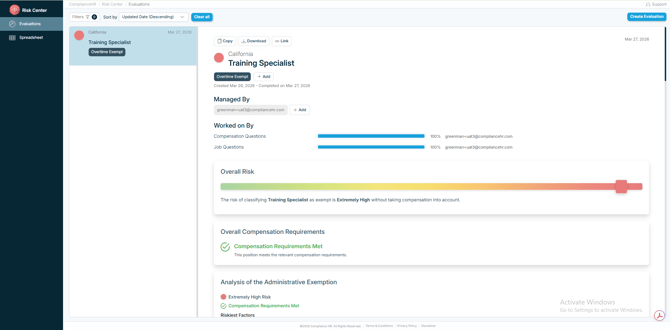
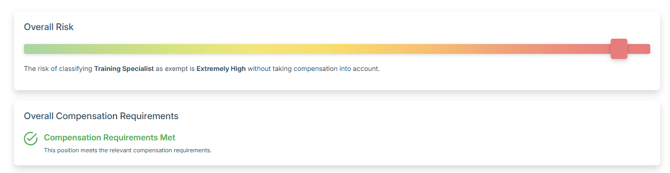
You will see the Overall Risk, along with the Overall Compensation Requirements.
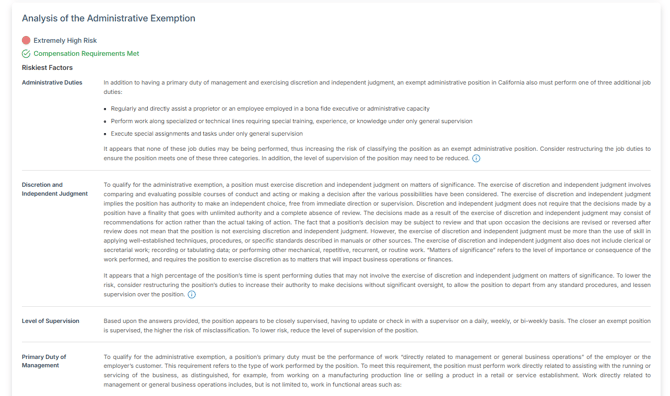
As you scroll down, there will be an analysis for each individual exemption. If the position failed to qualify, you will see information on the law related to the riskiest factor and then how it applies to the specific fact pattern you entered.
You will also find links to the Legal Summaries for each exemption both at the Federal and State level.

When applicable, there will also be an Additional Provisions section that shares a high-level summary outside of those white collar exemptions and state law equivalents.
