![ComplianceHR-Logo-400x100.png]](https://knowledge.compliancehr.com/hs-fs/hubfs/ComplianceHR-Logos/ComplianceHR-Logo-400x100.png?height=40&name=ComplianceHR-Logo-400x100.png)
To work on an assigned questionnaire, click the Questionnaire button.
Based on the type of evaluation created, independent contractor or overtime exempt, the questionnaire will ask different types of questions. 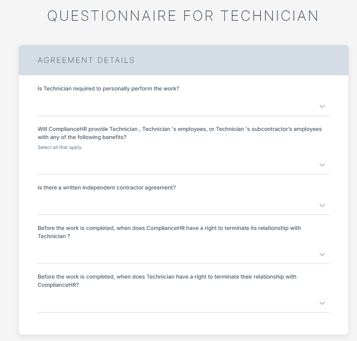
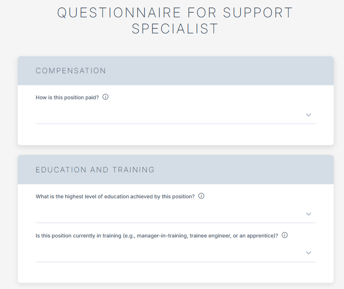
The questionnaire can be completed in its entirety or you may complete the sections known. Progress will be saved as you move through the questionnaire, allowing you to finalize it at a later time if needed.
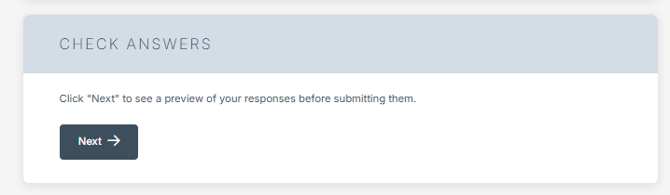
Once completed select Next under Check Answers.
A transcript showing responses to questions will appear allowing for a final review.
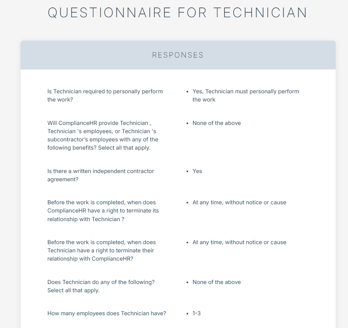
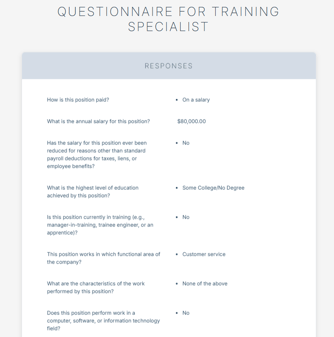
Select Back to make changes or Submit.
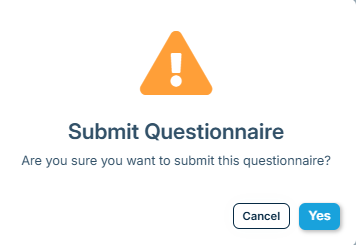
Select Yes to Submit the Questionnaire.
If you are a Manager of the evaluation, you can select Return to Evaluation to review the risk outcome.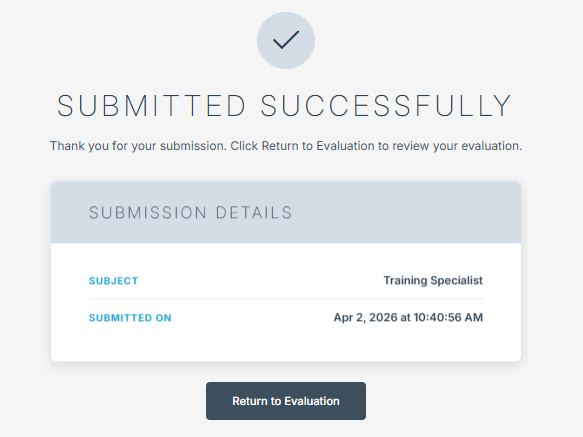
It may take a few minutes for your report to generate and become available.