![ComplianceHR-Logo-400x100.png]](https://knowledge.compliancehr.com/hs-fs/hubfs/ComplianceHR-Logos/ComplianceHR-Logo-400x100.png?height=40&name=ComplianceHR-Logo-400x100.png)
In this example, we are reviewing an Overtime Exempt Evaluation. The Assignee Workflow and Experience is similar for Independent Contractor Evaluations.
Navigate to the Worked on By section of the Evaluation's Smart Content page. If pencil
icons display, a Manager is able to assign one or both sections of the questionnaire.
Assignees don’t need platform access they can simply be someone more
familiar with the subject matter.
Select the pencil icon next to the section to assign.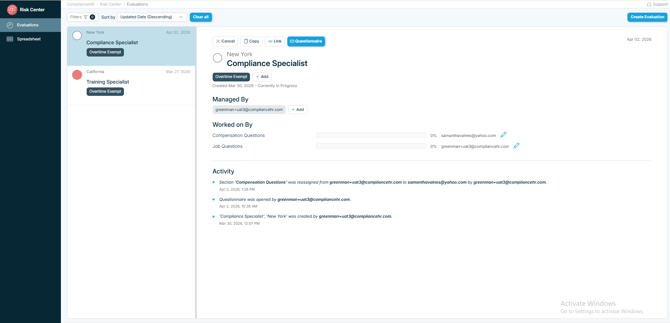
Enter the email address and specific information you would like to share with the Assignee. Select Save to send the email.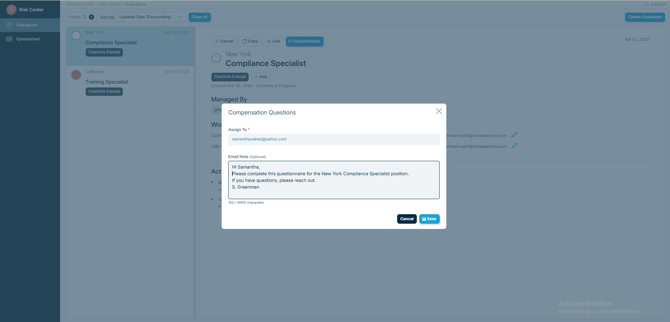
The Compensation Questions have now been sent to the Assignee. You can
choose to only send this section and complete the Job Questions as the Manager, or send the Job Questions to the same or another Assignee by selecting the second pencil icon.
If you choose to send both sets of questions to the same Assignee, once the email
address is entered and Save is selected, the Questionnaire will automatically be
updated without having to send another email. Until both sections are completed,
Managers are able to re-assign the Questionnaire to other Assignees.
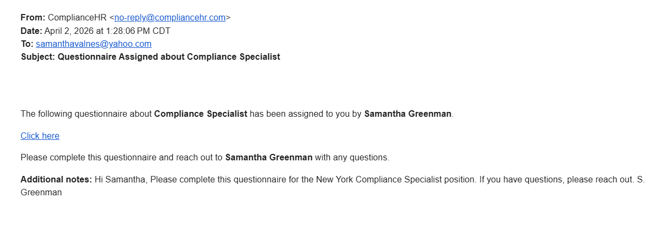
The Assignee will receive an email from no-reply@compliancehr.com. To access the
questionnaire, the Assignee should simply click the “Click here” link.
The questionnaire sections sent to the Assignee will open. The questionnaire can be
completed in its entirety or the sections known. Progress will be saved as the Assignee
moves through the questionnaire, allowing them to finalize it at a later time if needed. 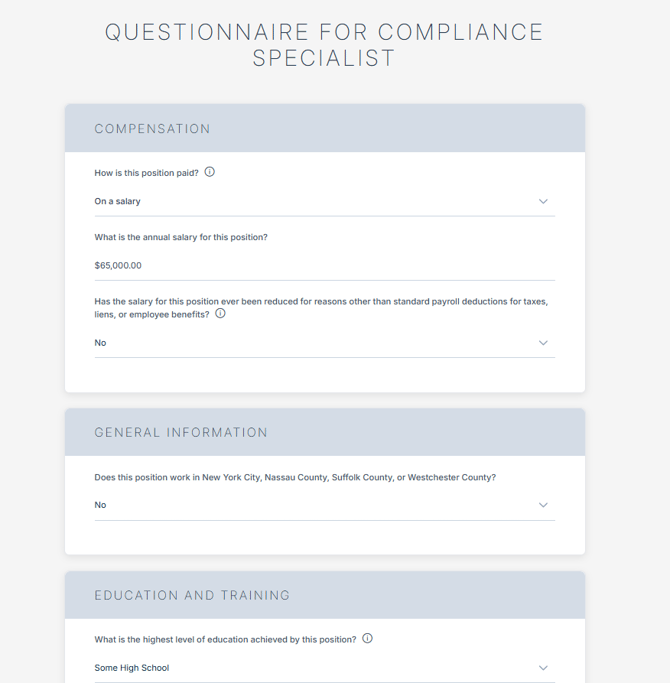
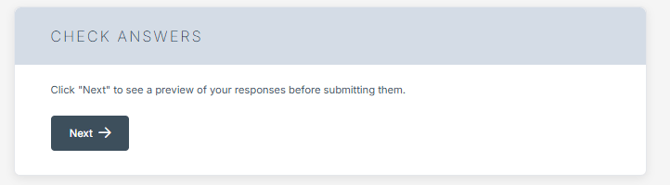
At the bottom of the questionnaire, select Next to Check Answers.
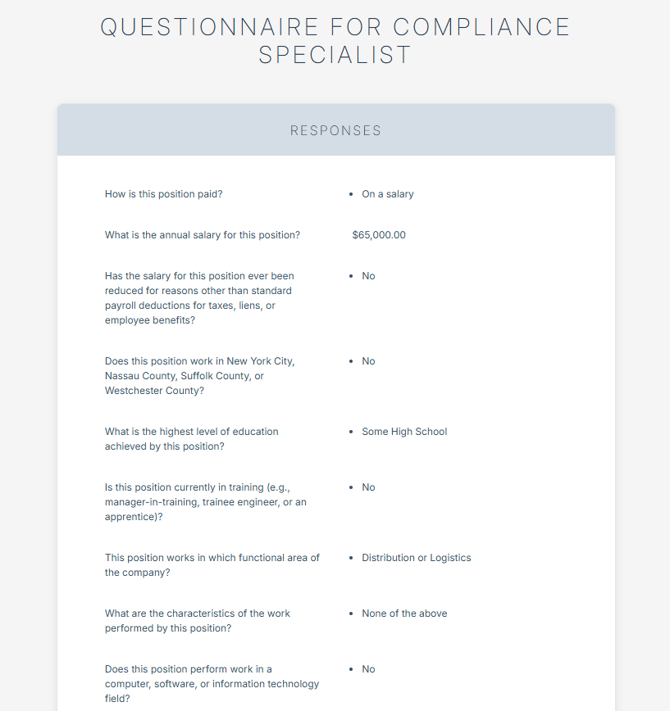
A transcript of responses to each question will appear for the Assignee to review.
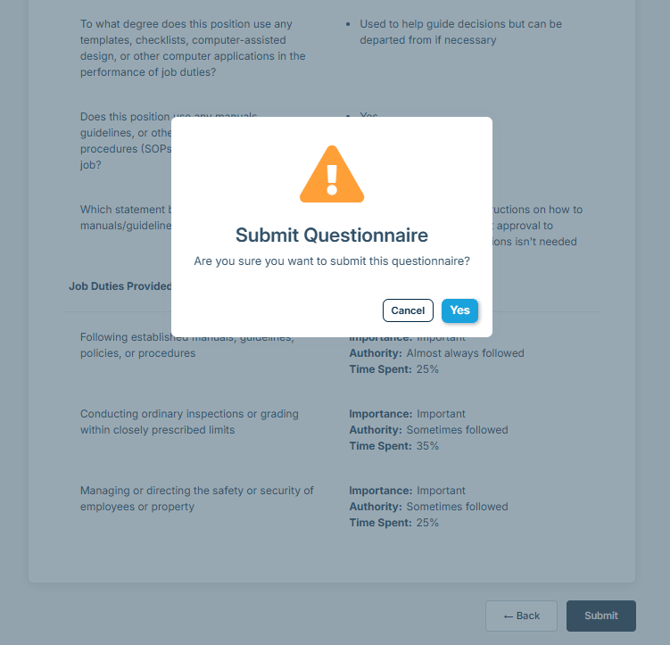
Select Submit at the bottom of the Transcript, or Back to make changes, followed by
Yes to submit the Questionnaire.
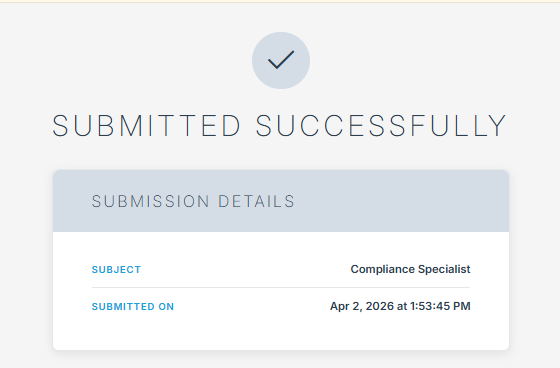
The Assignee will receive a Submitted Successfully message and no longer be able to access the questionnaire. The Manager of the evaluation will receive an email from no-reply@compliancehr.com notifying them the Evaluation is complete in order to review the Risk Report.
Unless the Assignee is a platform user, they will not have access to the evaluation will not see the final risk report.