![ComplianceHR-Logo-400x100.png]](https://knowledge.compliancehr.com/hs-fs/hubfs/ComplianceHR-Logos/ComplianceHR-Logo-400x100.png?height=40&name=ComplianceHR-Logo-400x100.png)
The Evaluation component serves as the default view when a user accesses the Risk
Center. Navigate to the Spreadsheet component on the left-hand rail. Here you will find all evaluations in a spreadsheet format. This may be especially helpful for sharing overall progress and identifying trends. 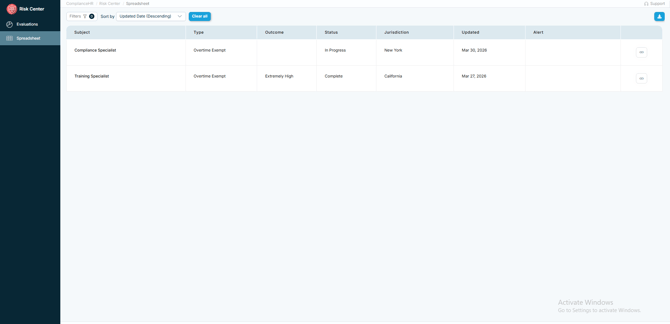
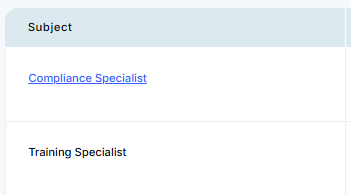
Notice the Subject links directly back to the Evaluation component where the full report
may be viewed.
The following columns display information such as the Type of risk evaluation
completed, the Outcome, the Status, the Jurisdiction, when the Evaluation was last
Updated, any applicable Alerts and the unique link to the evaluation.

In the upper righthand corner, you'll find the option to download your Spreadsheet
component details to an Excel spreadsheet.
The spreadsheet may be downloaded and saved to support your internal compliance
program process.