![ComplianceHR-Logo-400x100.png]](https://knowledge.compliancehr.com/hs-fs/hubfs/ComplianceHR-Logos/ComplianceHR-Logo-400x100.png?height=40&name=ComplianceHR-Logo-400x100.png)
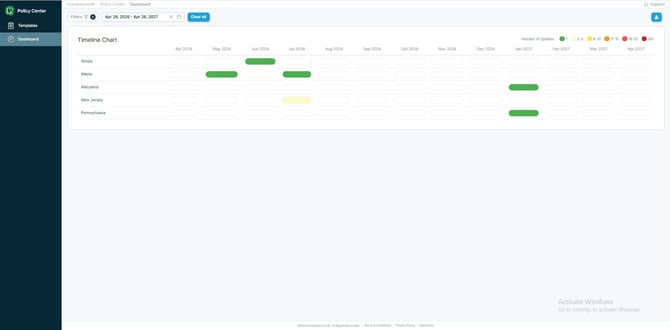
To simplify the complexity of creating and maintaining handbooks, the Dashboard Component displays policies that are directly related to handbooks or other notices. For other regulatory news, please refer to the List Component of Policy Center News.
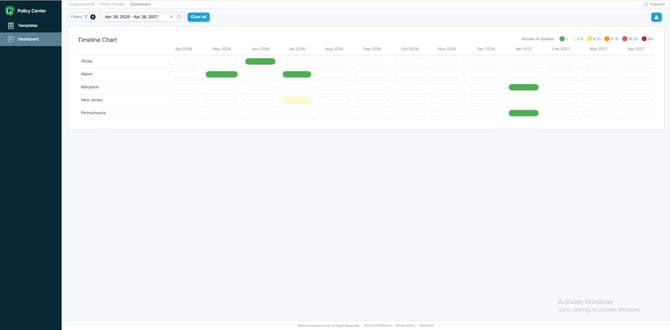
There are options for filtering by Jurisdiction or Requirement, along with date range. The date range defaults to the future by one year. 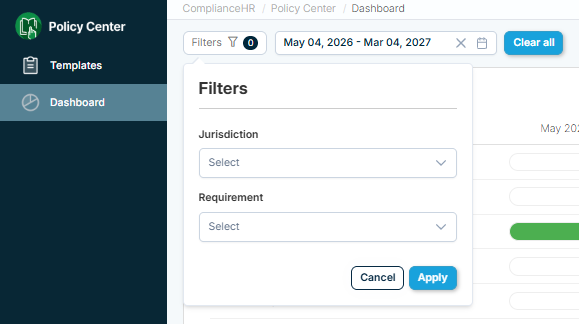
To review historical changes back to January 1, 2026 update the date range.
Within the Timeline Chart, States with future policy changes will display heat map entries specifying the number of changes for a given month. 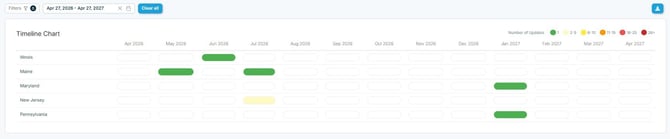
Clicking on the heat map entry will display a modal that includes the Policy Title, any applicable Requirement symbols, the Effective Date, and a brief summary of the changes. 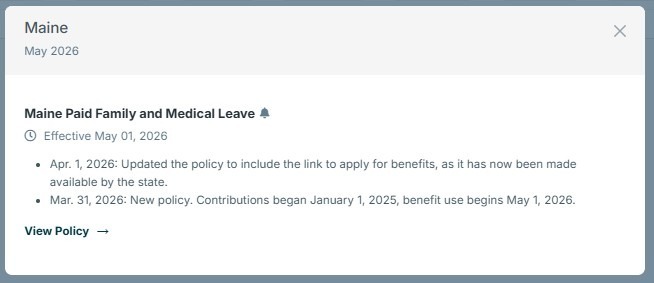
By selecting View Policy, the modal will expand to display the Change Summary, Requirements, and Policy Text. 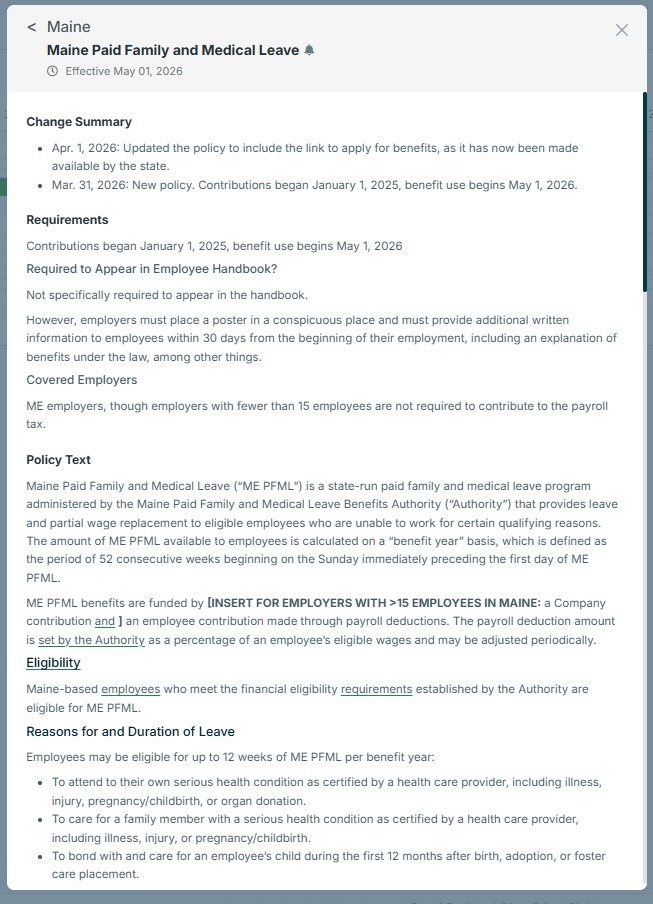
By scrolling to the bottom of the modal, you’ll find a View Redline option.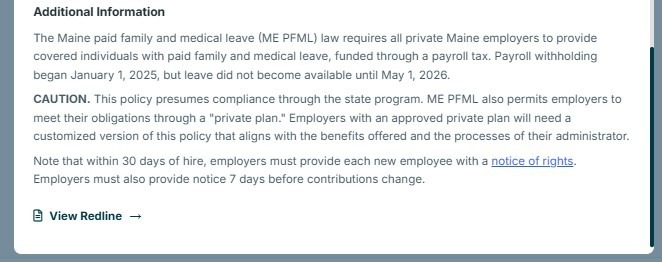
In this example, there are no redlines applicable.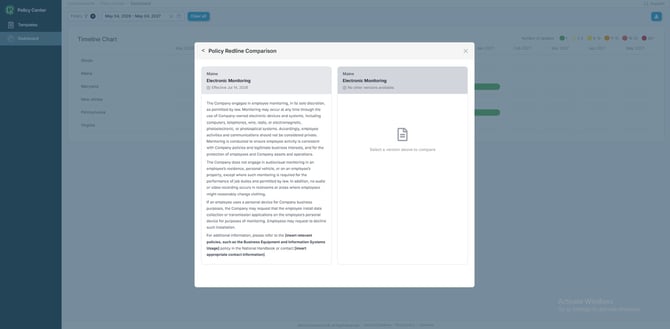
In our second example related to Virginia's Equal Employment Opportunity, notice the
dropdown option to select a version on the right side of the modal, along with the
redlines that display.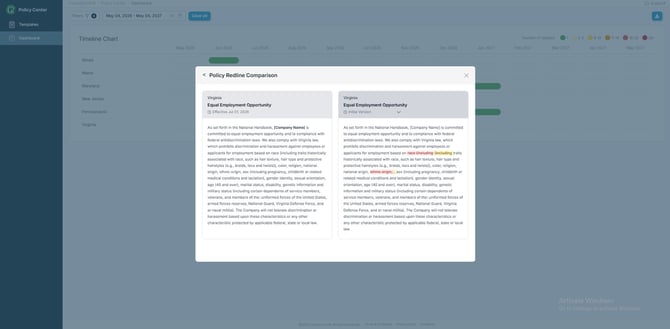
In the event you would like to share the future policy changes within your organization, there is a download option in the upper right-hand corner of the Dashboard. Selecting Download will provide a Word document including the details of each heat map entry, organized by Jurisdiction. The download will match the filters you have applied.