![ComplianceHR-Logo-400x100.png]](https://knowledge.compliancehr.com/hs-fs/hubfs/ComplianceHR-Logos/ComplianceHR-Logo-400x100.png?height=40&name=ComplianceHR-Logo-400x100.png)
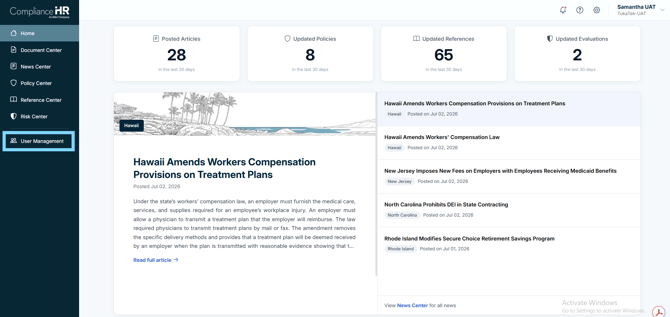
Click on User Management in the left-hand rail.
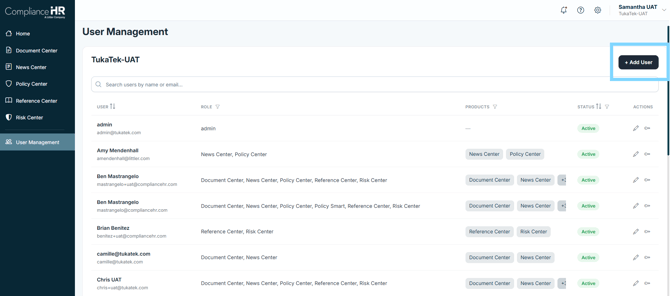
Click on Add User
Complete the Full Name and Email Address fields and select the Products the user should have access to. By default, the News Center is set for all users. Products that are not part of your subscription will be greyed out and unavailable to select.
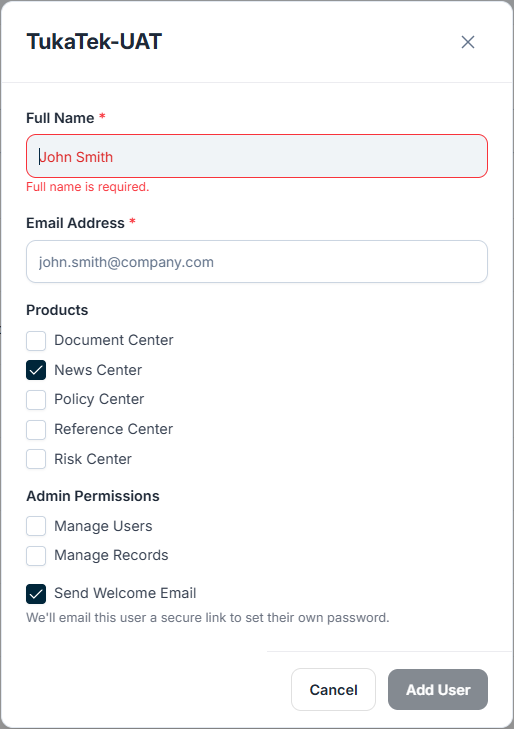
Admin Permissions should be selected with Caution
Manage Users - allows the individual to add or remove users, and update users permissions.
Manage Records - allows the individual to see all evaluations within the Risk Center at a platform level.
Leave the Send Welcome Email option selected and click Add User.
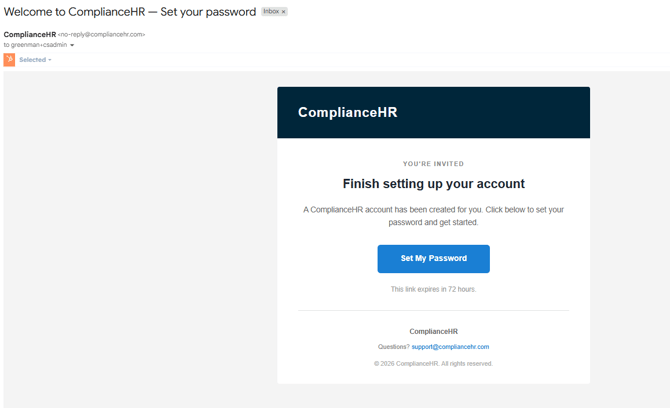
The new user will receive a Welcome to ComplianceHR - Set your password email as shown below. The email will come from no-reply@compliancehr.com.
The link will expire in 72 hours. The password criteria is:
-
Password must be at least 12 characters long
-
Password must contain at least one number
-
Password must contain at least one special character